Westshore technology has extensive experience in streaming and delivering online video across managed IP networks and the internet.
Side by side video
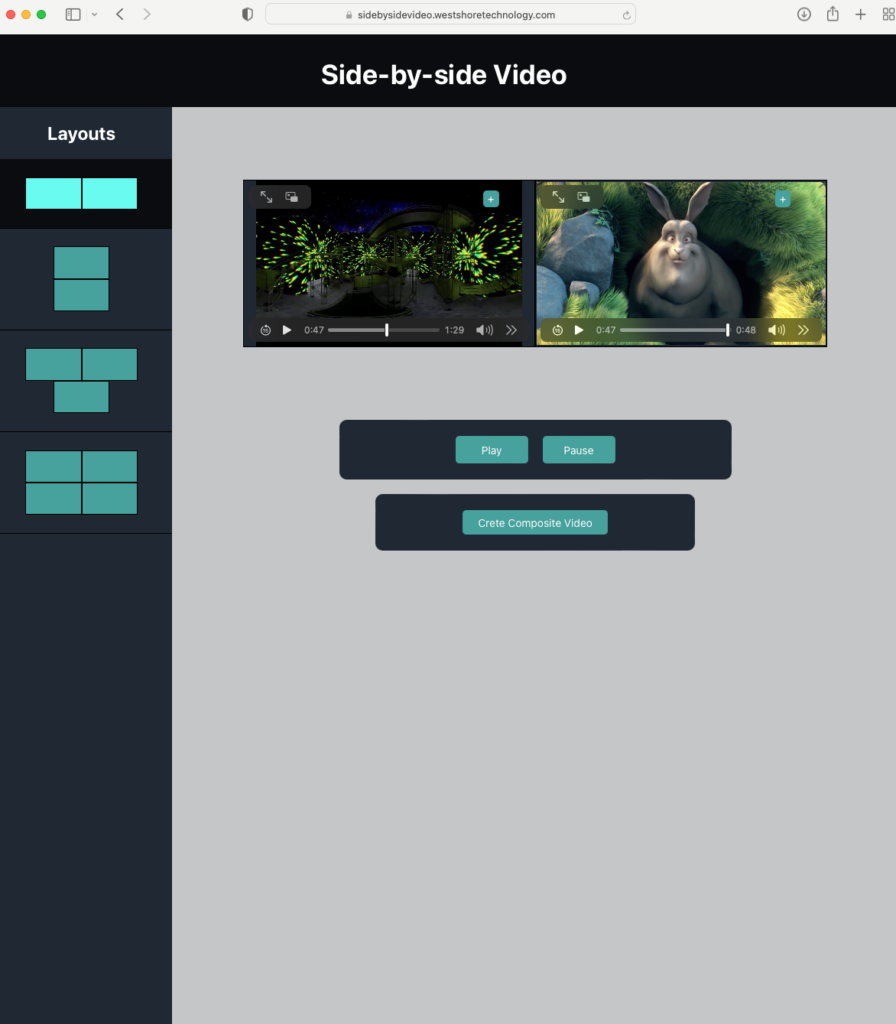
This web app allows a user play a number of video side by side or in a set of pre-defined layouts.
A user can select the layout they want and then set the source for each video in the layout individually. Video playback can be synchronised or each individual video can be played separately if desired.
The videos can either be from a web URL or on the users local machine – there is no need to upload local videos before playback, avoiding the delays often seen with web based video editing applications.
Users can also request a consolidated video composite, uploading the videos they have tested side to side and receiving back a composite video.
Get Video Info
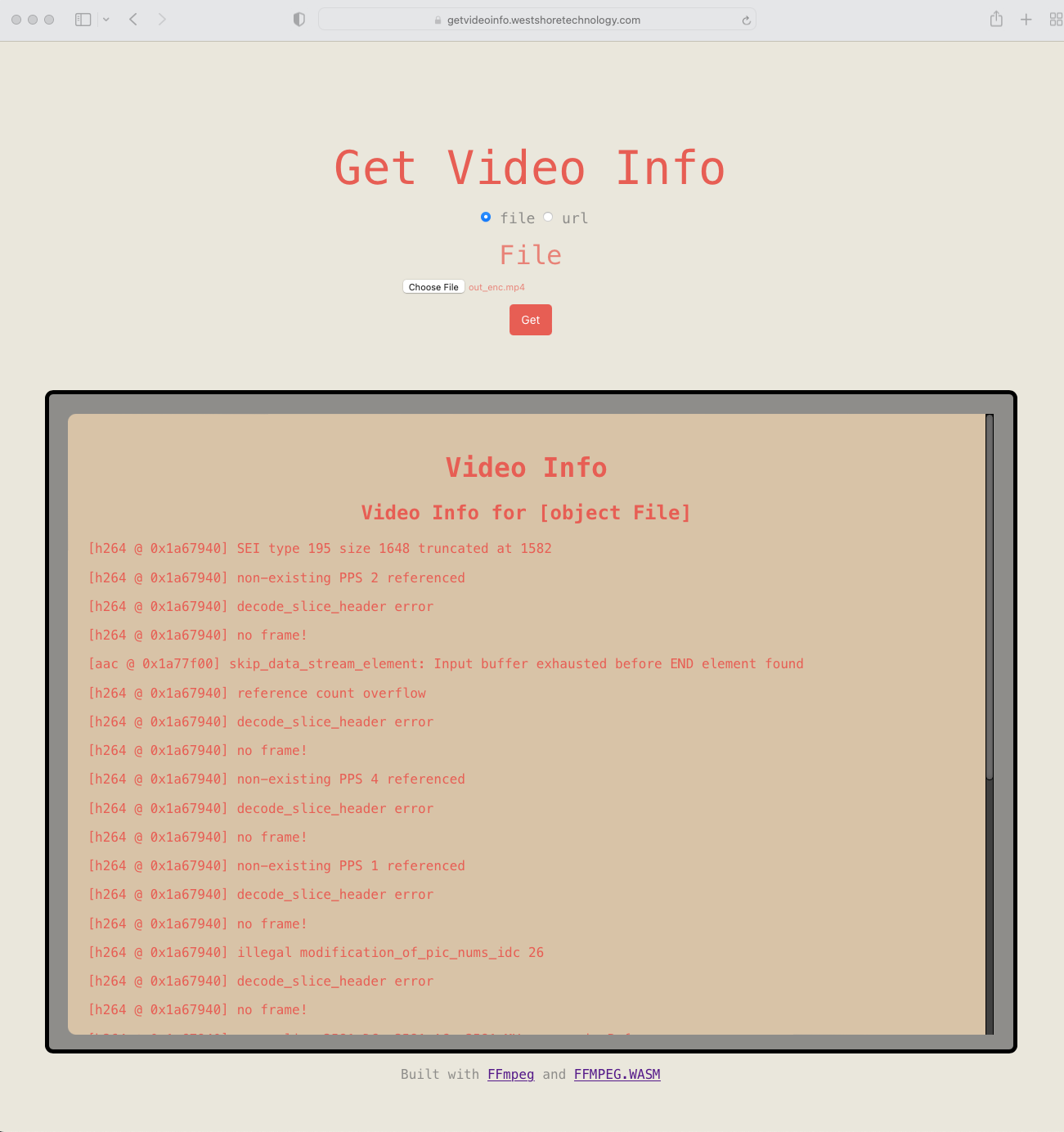
Get Video Info is a simple web app to provide video format and medtdata information for local and online videos.
The app leverages FFMPEG.WASM, a web assembly version of the ffmpeg video utility and library, that runs in the browser itself. The avoids the user having to download and install the tool themselves – the trade off being that the browser must download and cache the library and execute the video code in the browser environment.
Just a few years ago this was prohibitively slow, but with modern internet speeds and browser processing capabilities it is a workable and very usable solution, especially to get information on locally stored video files.
Try it out and send us your feedback.
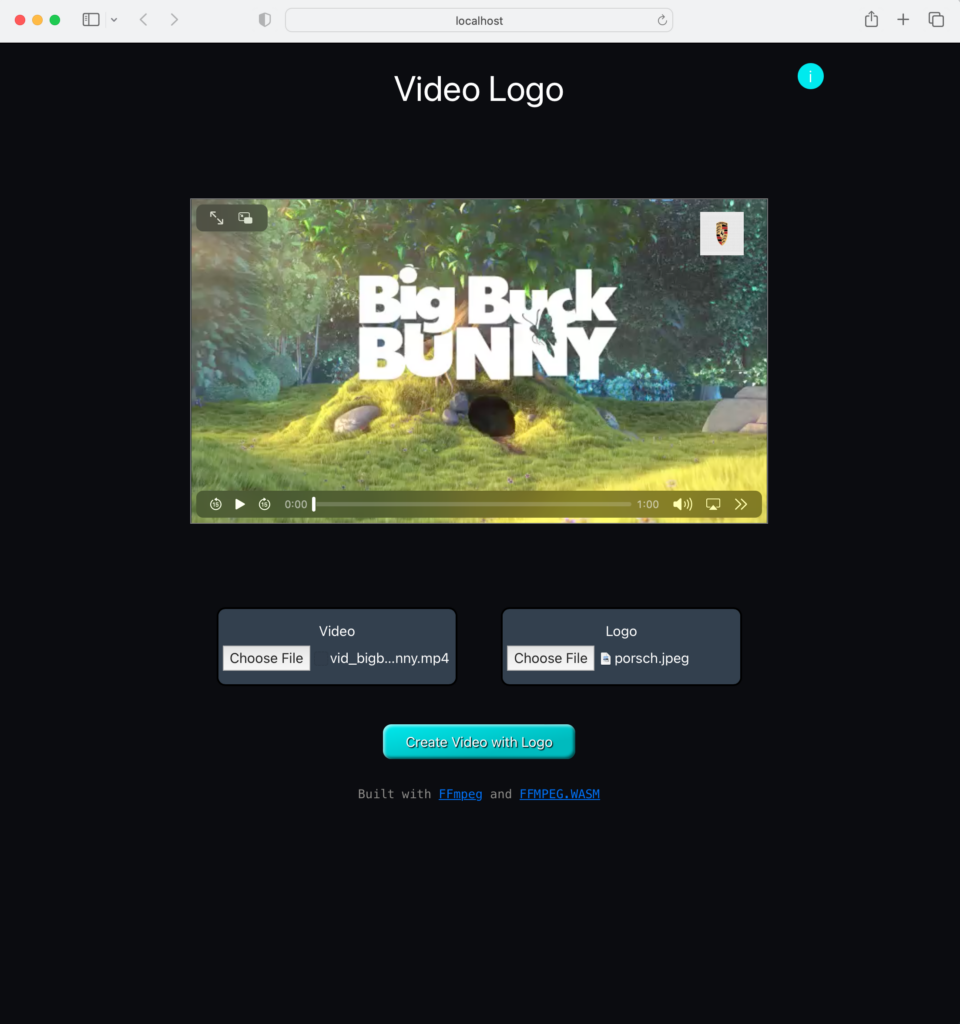
Video Logo
Video Logo allows a user add a logo to a video on their laptop or PC. There is no need to upload the video although there is a limit to video size – the service works best for videos 500M or less.
As with other apps here, this app leverages FFMPEG.WASM, allowing the processing to run in the users’s browser, and avoiding the user having to download a tool or upload their video to the web.
The user selects the video and the logo on their laptop or PC and can drag and resize the logo to get it exactly how they want it, testing playback before creating the new video with the logo embedded. Once happy, the new video is created and a download link provided.